
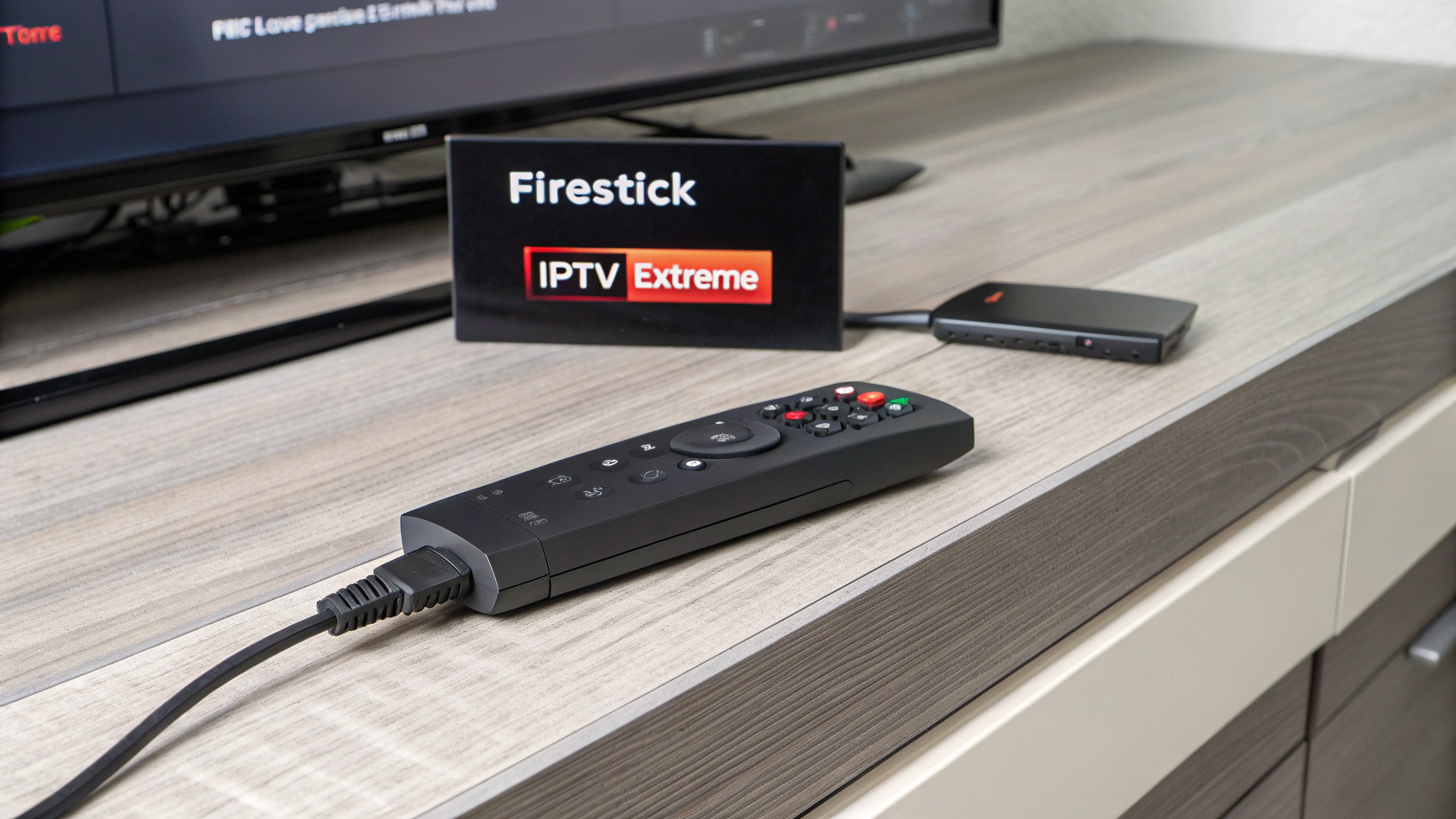
Curious about how to download IPTV Extreme on Firestick in 2025? Whether you’re new to IPTV or upgrading your streaming setup, this guide walks you through what you need to know. IPTV Extreme is a popular choice among Firestick users for its robust features and streamlined experience. Learn how to get started, why it’s an excellent option for streaming, and how to make the most of your Firestick device.

Why IPTV Extreme Is a Top Choice for Firestick Users
Streaming enthusiasts often turn to IPTV Extreme for its user-friendly interface and advanced capabilities. It’s especially favored by those who use Amazon Firestick devices due to its compatibility and performance.
Key Features of IPTV Extreme
- EPG Support: Access detailed electronic program guides for organized viewing.
- Advanced Player Settings: Customize the video player with options for buffering, display, and control.
- Multi-Device Sync: Sync playlists and settings across multiple devices easily.
- Recording Capabilities: Schedule and record live TV for later viewing.
- Parental Control: Keep certain content restricted for safe family viewing.
When paired with a reliable IPTV service provider, IPTV Extreme offers a smooth, buffer-free experience. It’s important to make sure your server is compatible with the app and supports features like Full HD streaming and a comprehensive channel lineup.
Preparing Your Firestick Before Installation
Before installing IPTV Extreme, there are a few small tweaks you need to make on your Firestick. These steps allow you to sideload apps that are not available in the Amazon App Store.
- Go to Settings on your Firestick home screen.
- Choose My Fire TV (or Device, on older models).
- Select Developer Options.
- Turn on Apps from Unknown Sources.
- Go back to the home screen and search for Downloader in the Amazon App Store.
- Install the Downloader app — it’s your tool for sideloading IPTV Extreme.
Now your Firestick is ready to install third-party applications, including IPTV players like IPTV Extreme.
How to Download IPTV Extreme on Firestick Using Downloader
Once you’ve prepped your device, follow these steps to download and install IPTV Extreme efficiently:
- Open the Downloader app from your Firestick’s apps section.
- Enter the URL to download the IPTV Extreme APK file. Make sure you’re using a trusted source to avoid malware.
- Click Go after entering the download link.
- Wait for the app to download, then select Install when prompted.
- After installation, choose Open or Done. You can now access IPTV Extreme on your Firestick.
With IPTV Extreme installed, the next step is to configure it using a playlist or M3U link provided by your IPTV service provider.
Setting Up IPTV Extreme on Firestick
Adding Your IPTV Subscription
After launching IPTV Extreme, follow these setup steps:
- Launch the app and accept the Terms of Use.
- Navigate to Settings and select Playlists.
- Click Add Playlist and enter the M3U URL provided by your IPTV provider.
- Save the playlist and return to the main screen.
The app will load your channel list, including live TV, sports, movies, and entertainment content. Depending on your subscription plan, you may also access features like VOD and catch-up TV.
Benefits of Using IPTV Extreme on Firestick
Combining the flexibility of Firestick with the features of IPTV Extreme provides an enhanced streaming experience. Here are some benefits:
- Portability: Carry your entire IPTV experience with you by simply plugging the Firestick into any compatible TV.
- High Compatibility: Works smoothly with most modern IPTV providers using M3U or Xtream Codes API.
- Cost-Effective: No need for expensive cable subscriptions or multiple set-top boxes.
- Customization: Users can modify layouts, themes, and settings to suit their viewing preferences.
For best results with IPTV Extreme, it’s crucial to use a trusted IPTV provider offering fast servers, EPG updates, and high-quality content. One such provider is firestickiptvsubscriptions.com, known for its stable performance, flexible plans, and excellent customer support.
Frequently Asked Questions (FAQs)
Is IPTV Extreme free to use on Firestick?
Yes, IPTV Extreme offers a free version with essential features. However, there is also a Pro version available that unlocks advanced tools and ad-free usage. Both versions are compatible with Firestick.
Where can I find a safe download link for IPTV Extreme?
You can use the Downloader app on Firestick and enter a trusted APK link. Avoid unreliable websites. A licensed IPTV provider like firestickiptvsubscriptions.com may provide a verified download link upon subscription.
Can I use more than one playlist in IPTV Extreme?
Absolutely. IPTV Extreme lets you load multiple M3U playlists, making it easy to juggle content from different providers or separate content types into different lists.
Does IPTV Extreme support EPG (TV Guide) files?
Yes, it supports EPG files in formats like XMLTV. This allows users to view schedules, show descriptions, and upcoming programs — essential for maximizing your IPTV experience on Firestick.
Why is IPTV Extreme buffering on my Firestick?
Buffering can occur due to a slow internet connection or overloaded servers from your IPTV provider. Ensure you’re using high-speed internet and subscribe to a service known for fast, stable servers like firestickiptvsubscriptions.com.
Can I record live programs with IPTV Extreme?
Yes, one of the standout features of IPTV Extreme is its ability to record live content provided the feature is supported by your IPTV stream. Make sure you have enough storage available on your Firestick.
Is IPTV Extreme legal to use?
IPTV Extreme is a legitimate media player. However, the legal standing depends on the IPTV service you’re accessing. Always use licensed and reputable providers to ensure compliance with local streaming laws.
Ready to Elevate Your Streaming Experience?
If you’re looking for a reliable, easy-to-install IPTV solution optimized for Firestick, visit firestickiptvsubscriptions.com. Explore flexible subscription plans, try the free trial to test performance firsthand, or connect with our live support team for personalized assistance. Get started today and enjoy non-stop, high-quality streaming right from your Firestick!